Exercise 2

Switches

Learning Outcomes
01
List the most common types of switches
02
Explain the principles of operation of switches in electrical circuits
03
Define the main configurations of switches in electrical circuits
04
Operate a training component: the indicator light
Topics
  • Switch types
  • Switch configurations
  • Training system component: the indicator light
Switch Types

What is a Switch?

Switches are basic components of electrical circuits. Their main use is to prevent or allow the flow of electrical current at a particular point in a circuit.
Open state: switch prevents current from flowing; the circuit is open and the load is off.
Closed state: switch allows current to flow as if no switch were present; the load is on.
Some switches can also divert current, allowing selection between which loads are powered.
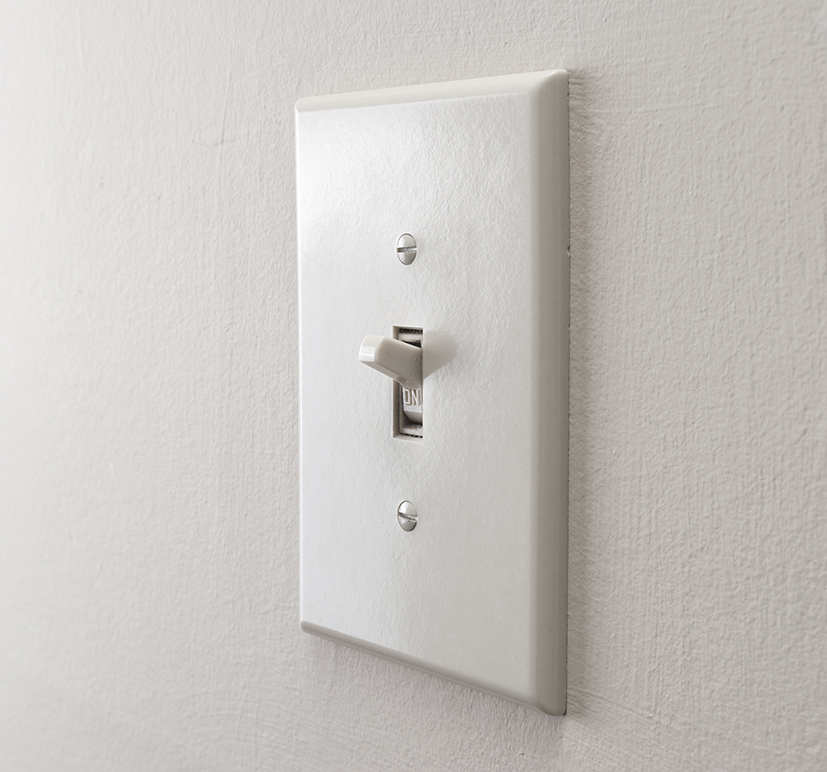
Standard residential light switch
Switch Types

Toggle Switch

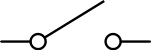
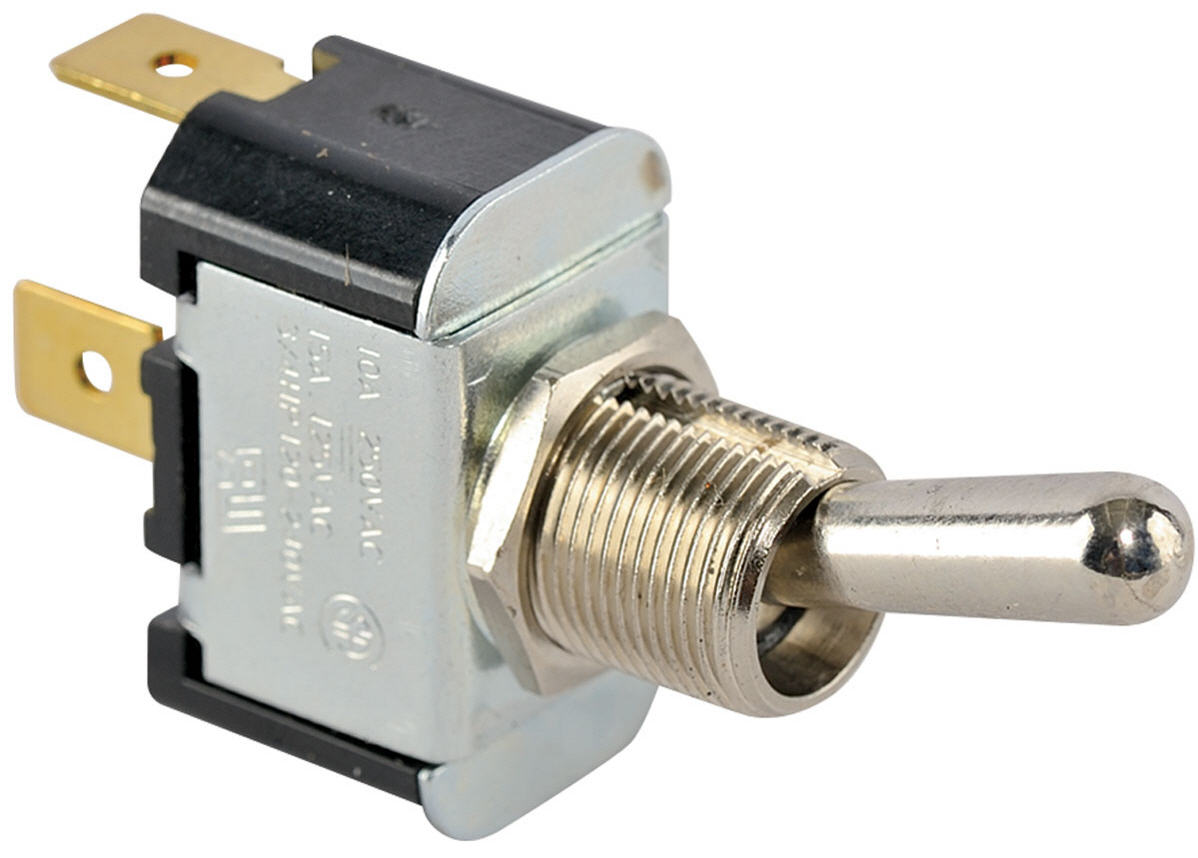
Operated manually using a lever or handle. Allows selection between two states determined by the lever position. The most common example is the residential light switch.

ComponentSymbol
Toggle switch Toggle switch symbol
Residential wall light switch Toggle switch hardware
Switch Types

Knife Switch

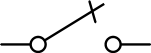
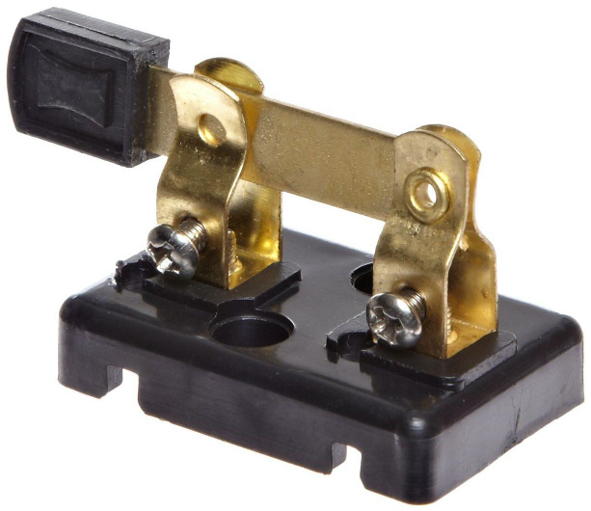
Consists of a hinged metal lever that can be inserted into a slot (allowing contact) or removed from the slot (preventing contact).

ComponentSymbol
Knife switch Knife switch symbol
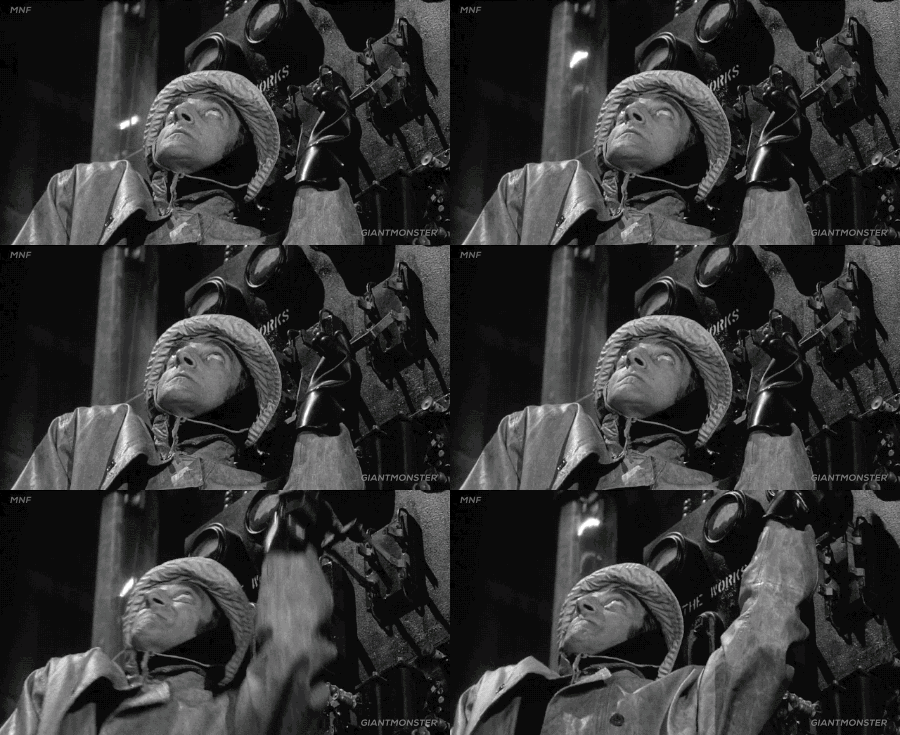
Knife switch hardware — metal lever inserted in slot Knife switch in action in a movie scene - character pulls lever to bring Frankenstein's monster to life
Switch Types

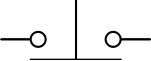
Normally Open Push-button Switch

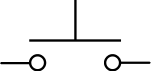
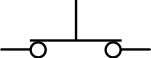
Operated by a push button. When the button is released, the switch is open. When the button is pressed, the switch closes.

Example: a car horn is an NO push-button switch. Releasing the horn button opens the circuit; pressing it closes the circuit and produces sound.
StateSymbol
Open (button released) NO push-button open state symbol
Closed (button pressed) NO push-button closed state symbol
Switch Types

Normally Closed Push-button Switch

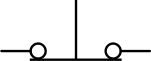
When the button is released, the switch is closed. When the button is pressed, the switch opens.

Example: a refrigerator door light. When the door is closed (button pressed), the circuit is open and the light is off. When the door opens, the circuit closes and the light turns on.
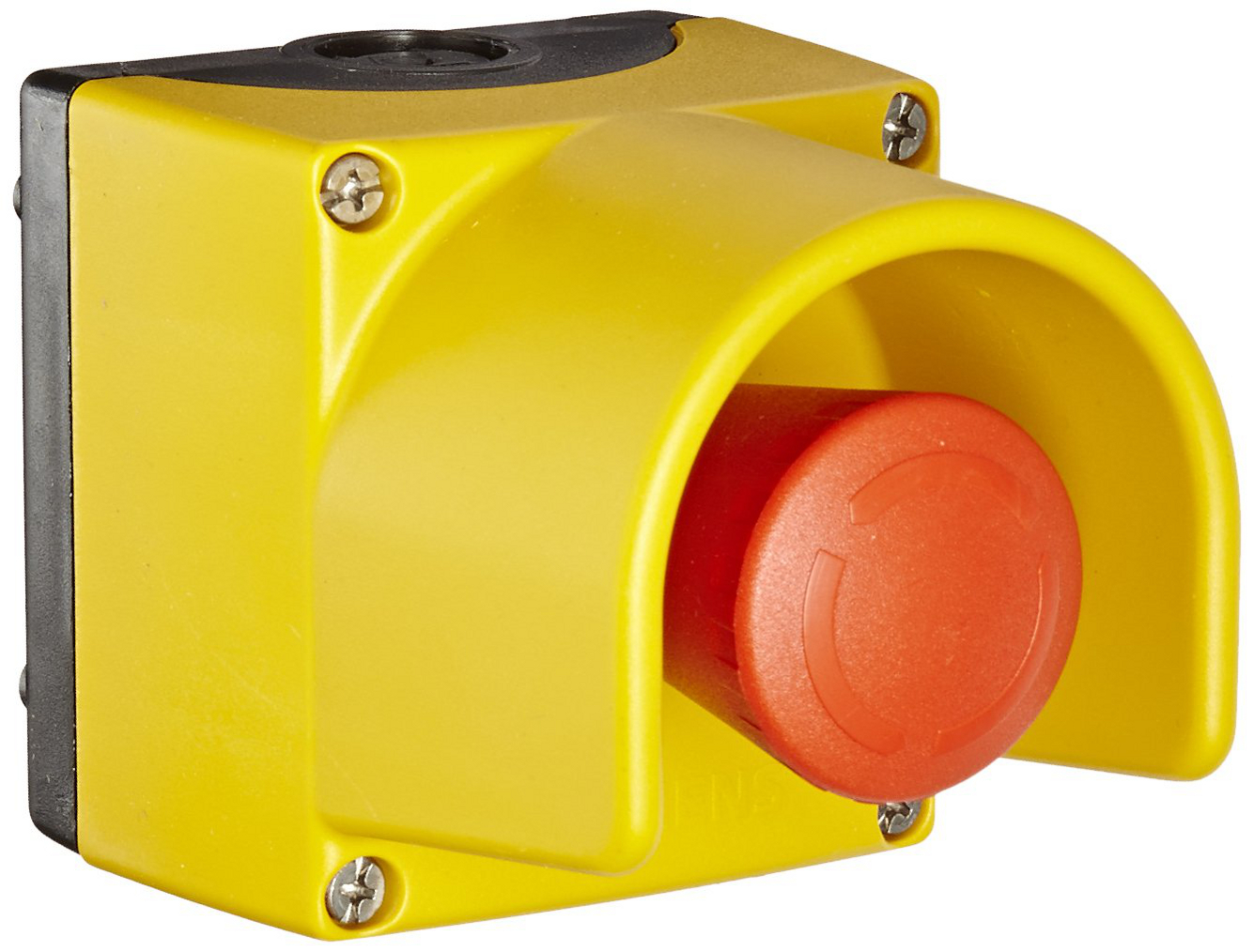
Emergency stop buttons are NC switches. Current flows normally until the button is pressed, cutting power in an emergency.
StateSymbol
Closed (button released) NC push-button closed state symbol
Open (button pressed) NC push-button open state symbol
Emergency stop push-button (NC switch)
Switch Types

Selector Switch

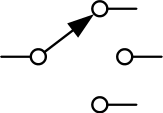
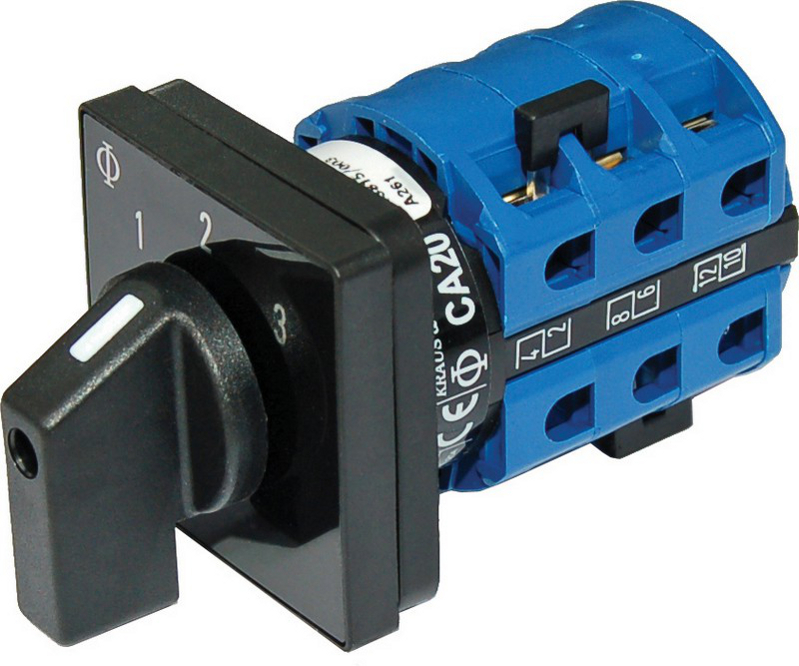
Manually operated using a rotating knob or toggle. Allows selection between two or more positions, each making contact at a different branch in the circuit.

ComponentSymbol
Selector switch Selector switch symbol (3-position)
From a single circuit branch, the selector switch allows connection to any of several different circuit branches.
Selector switch hardware with rotating knob
Switch Configurations

Poles and Throws

In addition to switch type, switches are also classified by their configuration, defined by the number of poles and throws.

Poles indicate the number of separate circuits (or circuit branches) controlled by the switch. A double-pole switch controls two circuits simultaneously.
Throws indicate the number of contacts (circuit paths) the poles can connect to. A double-throw switch can connect to two different circuit paths.
Diagram labelling switch pole and switch throws
Switch Configurations

Single-Pole Single-Throw (SPST)

The simplest switch configuration. Controls one circuit and can make contact with one circuit path.
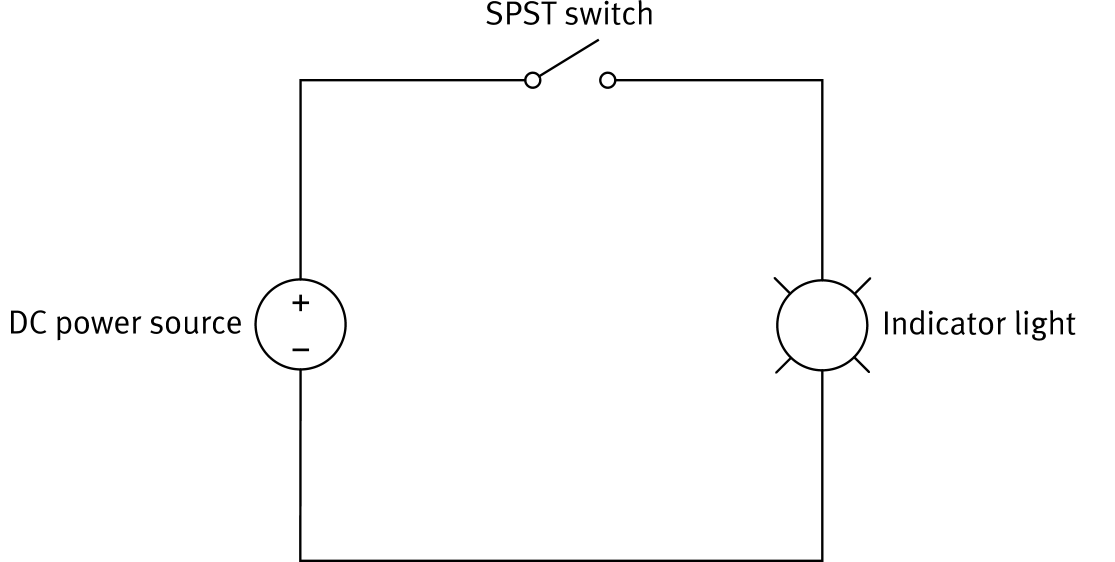
On/off switch: the SPST either opens or closes a single circuit branch.
The toggle switch and knife switch are typically SPST configurations.
SPST circuit with DC power source, SPST switch, and indicator light
Switch Configurations

Double-Pole Single-Throw (DPST)

Operates as two SPST switches actuated by the same mechanism. Controls two circuits simultaneously with a single throw.
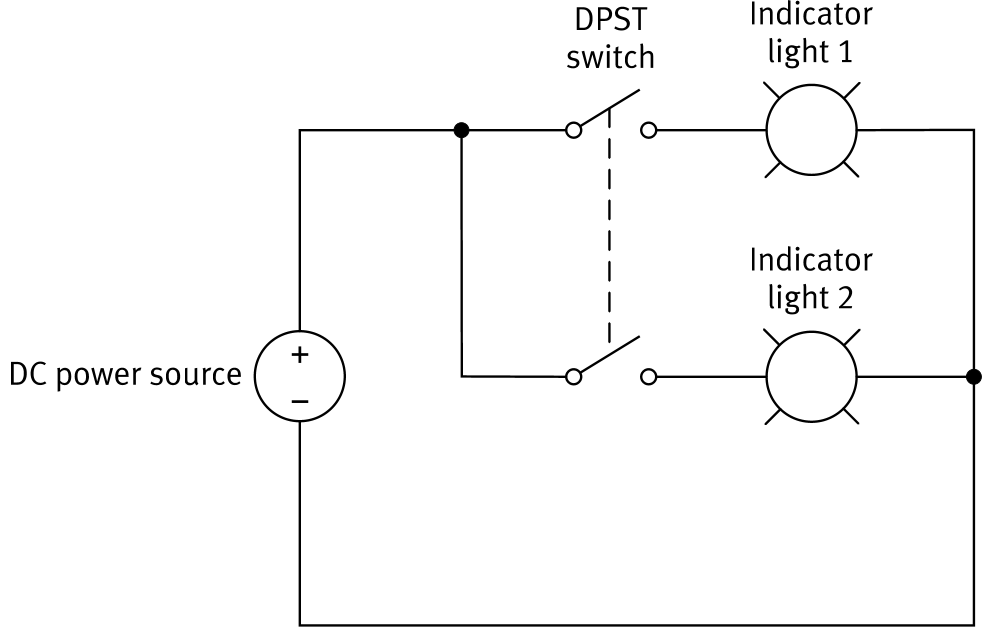
On/off for two circuits: both circuit branches are opened or closed together at the same time.
The dashed line in the symbol indicates the two switch contacts are mechanically linked and actuated together.
DPST circuit with DC power source, DPST switch, and two indicator lights
Switch Configurations

Single-Pole Double-Throw (SPDT)

Controls one circuit but can connect to two different circuit paths. The switch selects which of the two branches receives current.
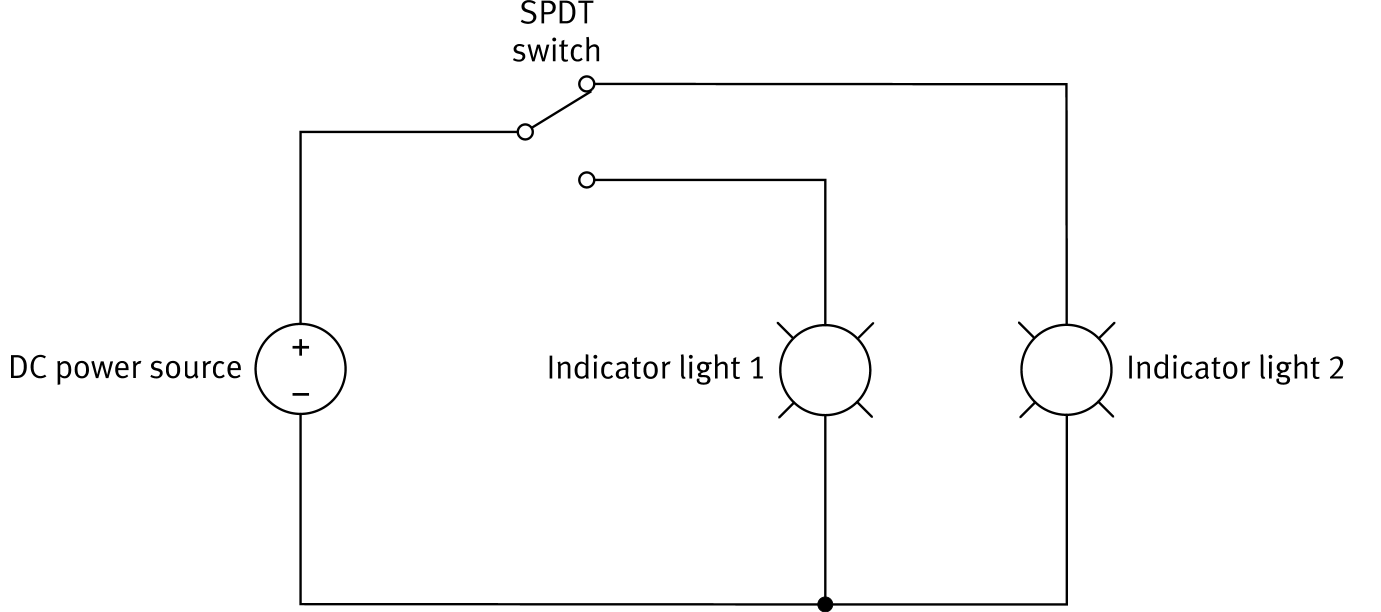
Always connected: the SPDT cannot fully open the circuit; current always flows through one of the two branches.
The selector switch is typically used in an SPDT configuration when selecting between two circuit branches.
SPDT circuit with DC power source, SPDT switch, and two indicator lights
Switch Configurations

Double-Pole Double-Throw (DPDT)

Operates as two SPDT switches actuated together. Controls two circuits and selects between two paths in each.
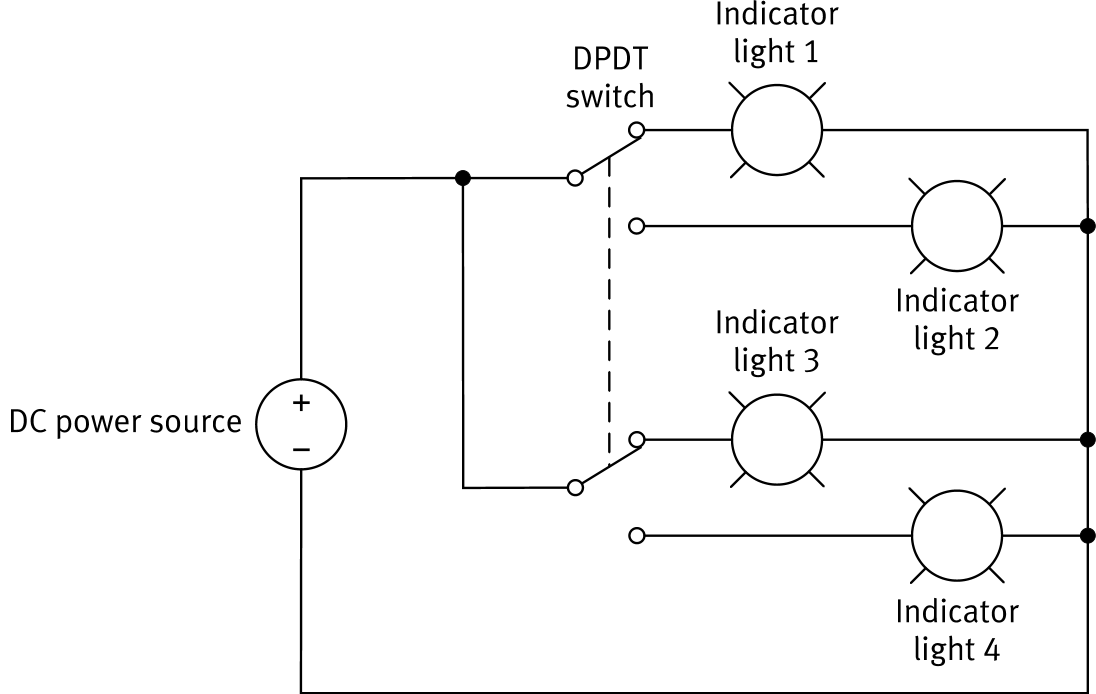
In the upper position: lights 1 and 3 are on; lights 2 and 4 are off.
In the lower position: lights 2 and 4 are on; lights 1 and 3 are off.
Like the SPDT, the DPDT cannot fully open the circuit; current always flows through two branches.
DPDT circuit with DC power source, DPDT switch, and four indicator lights
Training Component

The Indicator Light

A basic circuit component consisting of a lamp, designed to produce light from electricity.

ComponentSymbol
Indicator light Indicator light symbol
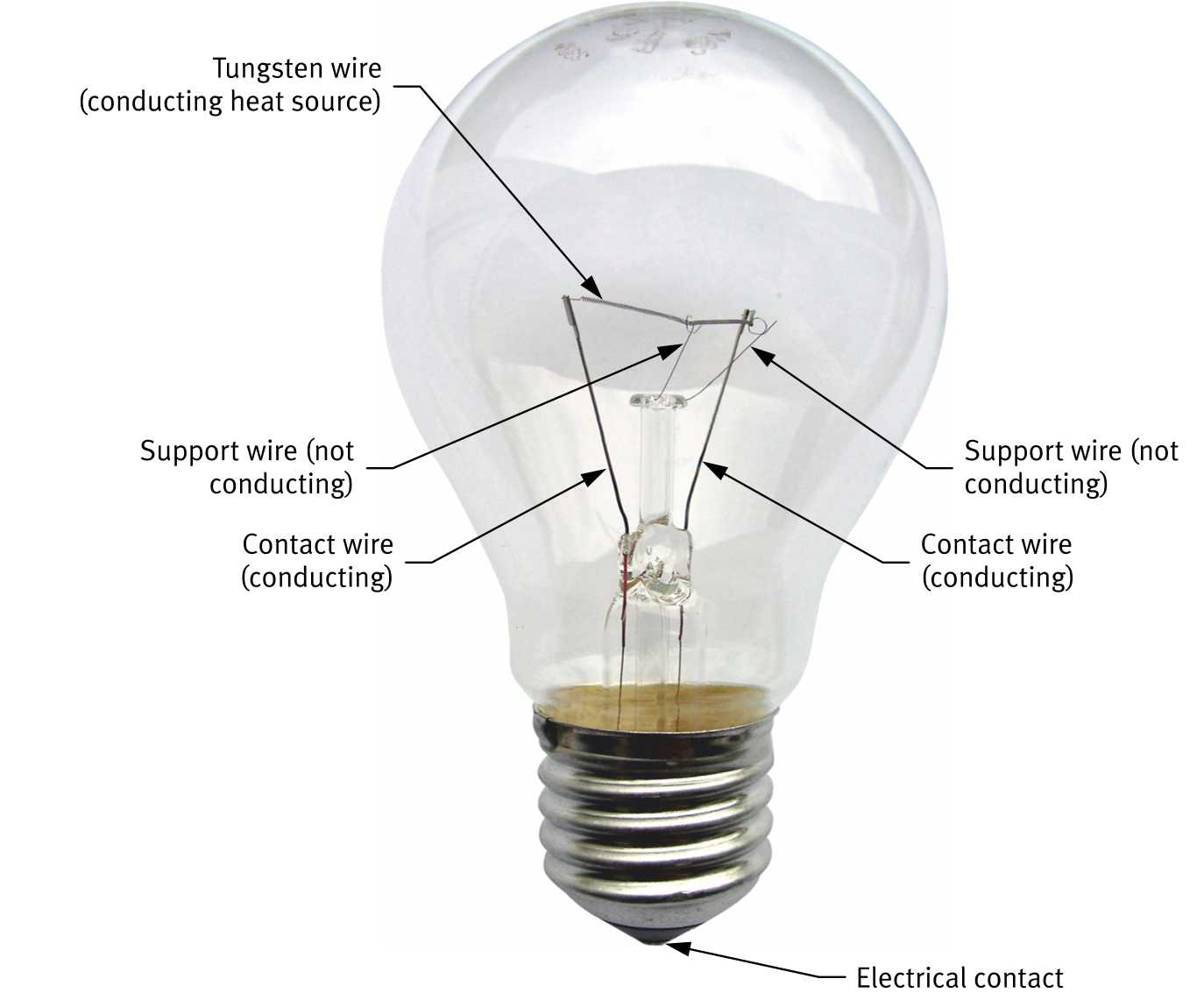
Incandescent: passes current through a tungsten filament; the filament heats up and glows (incandescence).
LED: emits light through a semiconductor when a voltage is applied (electroluminescence). More energy efficient and durable.
The AC/DC Training System uses 24 V, 2 W LED indicator lamps (newer versions replaced the original incandescent lamps).
Incandescent light bulb anatomy: tungsten filament, contact wires, support wires, electrical contact
Summary

Switches: Types & Configurations

Switch Types

Toggle: lever-operated; two states
Knife: hinged lever inserted/removed from slot
NO push-button: open at rest; closed when pressed
NC push-button: closed at rest; open when pressed
Selector: rotating knob; connects to one of several branches

Switch Configurations

SPST: 1 pole, 1 throw — simple on/off for one circuit
DPST: 2 poles, 1 throw — on/off for two circuits simultaneously
SPDT: 1 pole, 2 throws — selects between two paths; always connected
DPDT: 2 poles, 2 throws — two linked SPDT; always connected in two branches